

 Suomi
Suomi
Antenna TV

Antenna TV is an easy and reliable way to receive television broadcasts both at home and at a holiday home. To watch antenna TV, you need a working receiver and an antenna system suitable for receiving antenna TV broadcasts. In Finland, the antenna TV network transitioned to high-definition broadcasts in 2025, and broadcasts are now watched in HD quality.
If you watch television via the antenna TV network, the key factors for reception are:
- Receiver: the television or set-top box must have a DVB-T2 tuner suitable for antenna TV network broadcasts.
- Channel search: if channels are not visible or the channel list is incomplete, perform a channel search on your television or set-top box according to the device instructions.
- Antenna system: antenna TV reception requires a working UHF antenna and a properly functioning antenna system. If there are reception problems or channels cannot be found, it is advisable to have the antenna system checked by a professional.
- Housing companies: if you live in an apartment building or terraced house and do not know whether TV broadcasts are received via the antenna or cable network, ask the property manager or the housing company’s board.
- Holiday homes: remember to also check the television, set-top box and antenna system at your cottage or other holiday home.
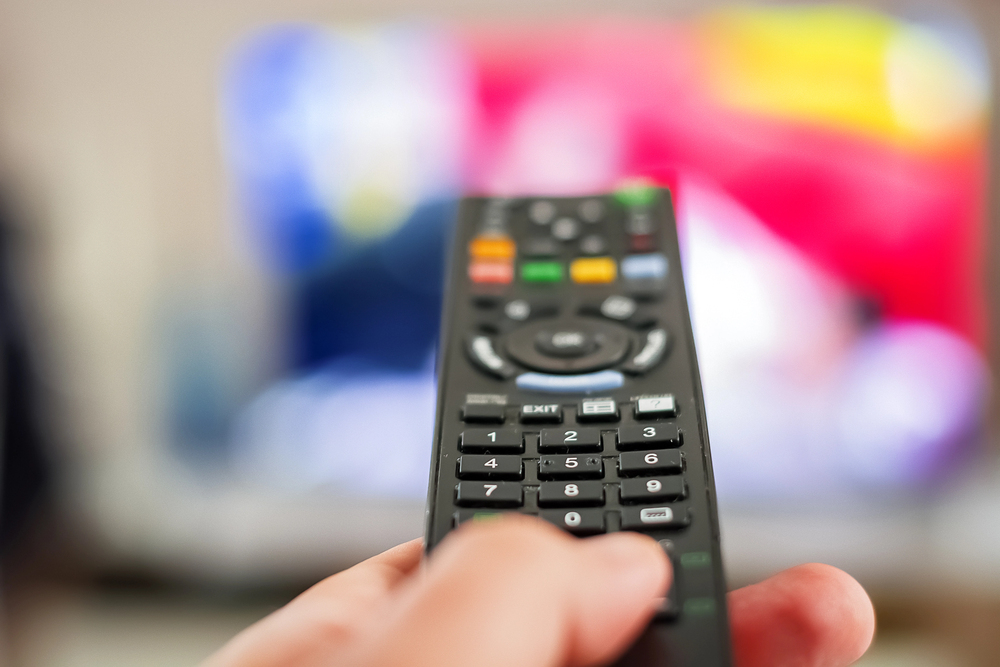
Tips for antenna TV reception
Receiver and channel search
To watch antenna TV broadcasts, you need a television or set-top box with a DVB-T2 tuner. If the channels are displayed normally, your device is in good working order for reception. If channels cannot be found or the channel list needs updating, perform a channel search. When purchasing a new device, it is advisable to confirm with the seller that the device is suitable for receiving broadcasts from Finland’s antenna TV network.
Channel visibility and availability
The coverage and selection of channels in Digita’s antenna TV network may vary by region. The up-to-date channel selection and availability can be checked using Digita’s channel map or the TV map service.
It is worth keeping the antenna system up to date
A working UHF antenna is required for antenna TV reception. If the antenna system is modern and there have been no problems with TV reception, changes are usually not needed. If the channels are not visible, the picture breaks up or there are other reception disturbances, it is advisable to have the antenna system checked by a professional.
Detached houses and other small residential properties
In a detached house or other small residential property, the property owner is responsible for ensuring that the antenna system works properly. If a functioning UHF antenna is in use and reception has been trouble-free, changes may not be necessary.
If there are problems with reception, an antenna installer can use measuring equipment to check the antenna’s location, direction and the condition of the antenna system. Installing antenna equipment yourself is not recommended.
Housing companies and shared antenna properties
In a housing company, you should contact the property manager or the housing company’s board if you are unsure about the reception method or channel visibility. The property manager can review the status of the antenna system together with an antenna installer.

Digita Info and DigitaPRO installers are here to help
Digita Info serves consumers with questions related to Digita’s services and antenna TV reception on weekdays from 8:00 a.m. to 8:00 p.m. by phone at 020 411 7676 and by email at info@digita.fi.
Help with antenna problems is also available from DigitaPRO antenna installers. DigitaPRO antenna installers are independent antenna industry professionals approved by Digita who help with matters related to receiving TV broadcasts and antenna systems.
You can use Digita’s installer search to find DigitaPRO antenna installers serving your municipality.
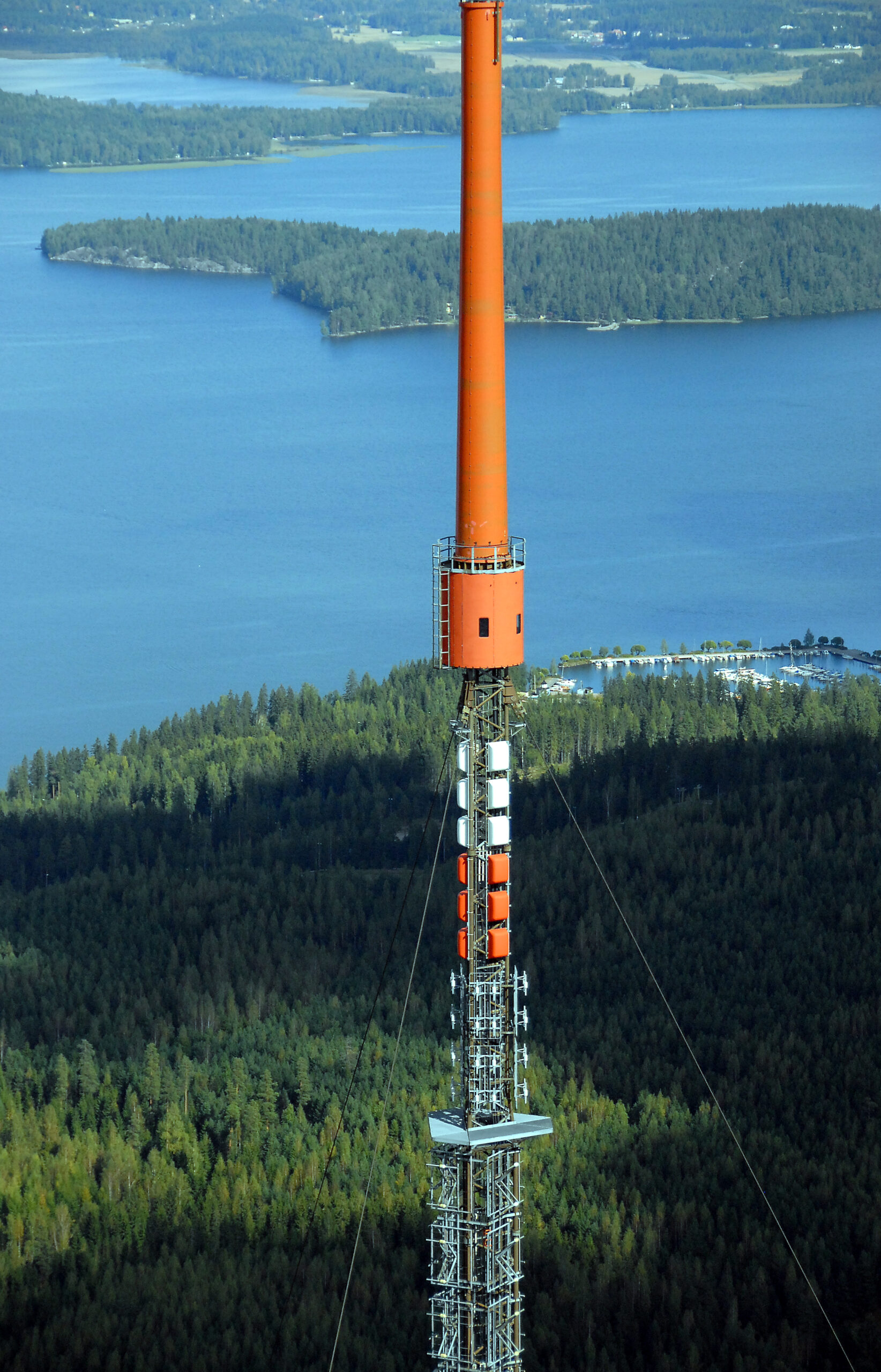
TV Coverage map
You can see the offering of antenna tv channels in different areas in Finland on our digital map. The coverage map is in Finnish but please find here some tips to use the map.
Map service instructions
- Search by place name or address, or select the station you want. You can also share your location, in which case the service will show the station nearest to you.
- To view the coverage area of an individual channel, click the logo of that channel in the TV channels menu. To view the coverage area of the entire multiplex, select “select all”.
NOTE! Channel coverage areas may vary within a multiplex.
You can view transmitter station-specific information by selecting the relevant transmitter station on the map or by searching for the address where TV reception takes place. The map service will then automatically suggest the information for the transmitter station that is computationally the best option. NOTE! The best reception signal can only be verified with certainty through professional measurements carried out on site.
When an individual transmitter station is selected, the light green colour on the map indicates an area where special attention must be paid to antenna alignment and to having a proper antenna system for antenna TV reception (a more powerful antenna may be required).
The map service also shows the distance and antenna direction to the transmitter station.